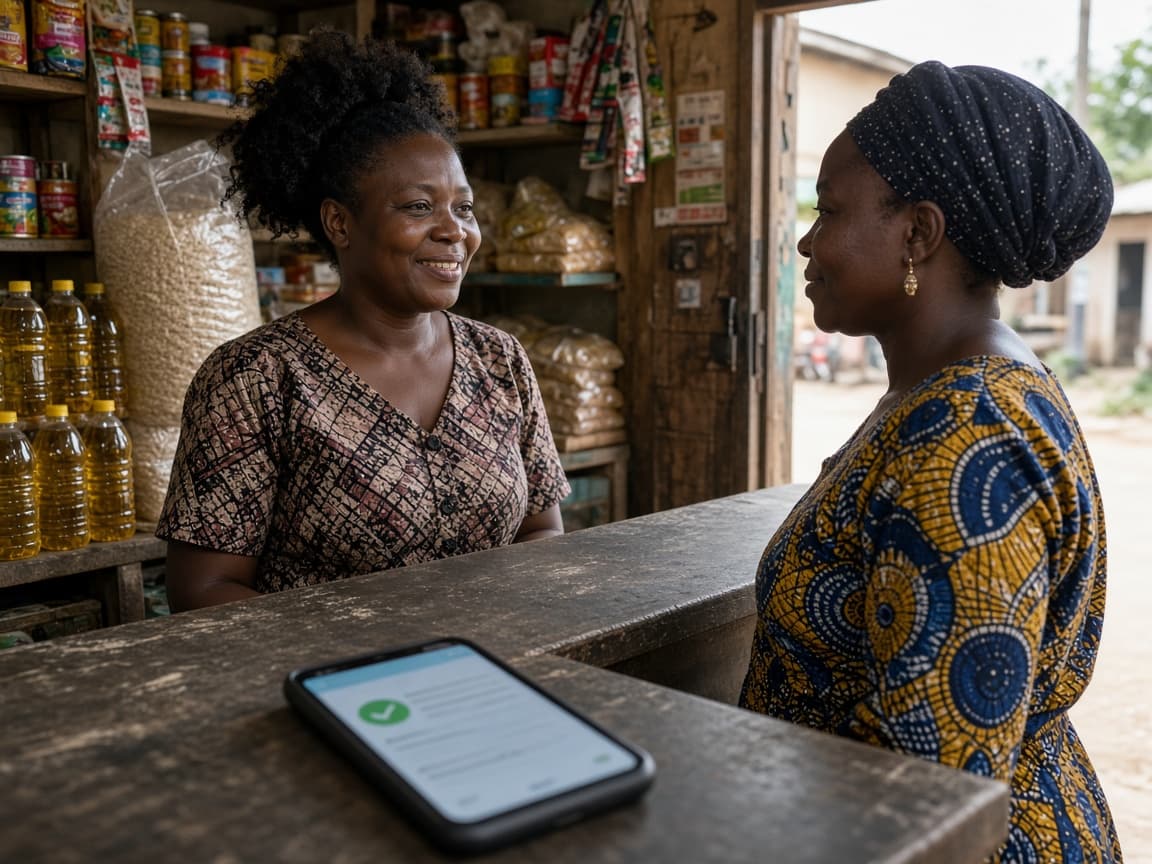
Bulk SMS
Upload a list, snapshot it, and send from one prepaid wallet. MTN, Telecel, and AT on the same campaign.
Start a campaign
List snapshotted
1,240 recipients
Campaign sent
From your sender name
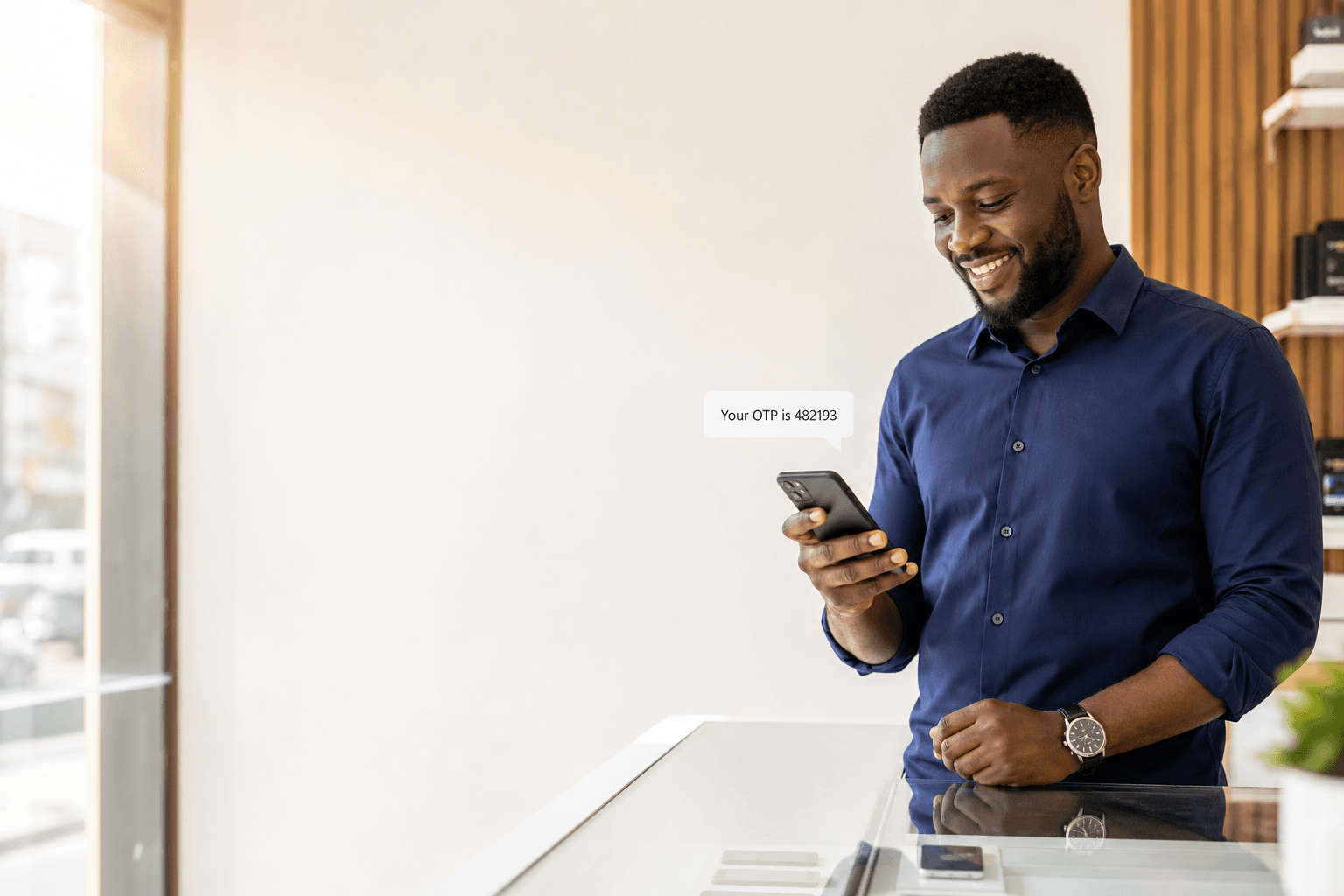
Send bulk SMS, OTPs, and alerts on MTN, Telecel, and AT. Open the delivery report by id.

Message accepted
Delivered · 1 segment · +233 24 ••• 3456
Send with



Live ledger
—
Accounts live
—
LIVE messages accepted
—
LIVE messages delivered
—
GHS credited to wallets
Platform totals from the prepaid ledger and LIVE message store. Refreshes every five minutes.
Upload a list, snapshot it, and send from one prepaid wallet. MTN, Telecel, and AT on the same campaign.
Start a campaignList snapshotted
1,240 recipients
Campaign sent
From your sender name
Accepted is not delivered. Open the message id and read the state: delivered, failed, expired, or rejected.
See a report
Delivered
+233 24 ••• 3456
Message id
msg_18429
POST /v1/messages with a TEST key. The dashboard uses that same path. OTP stays on its own queue.
Read the API
POST /v1/messages
Bearer sms_test_
OTP queued
Separate from bulk
The name on the handset is 3 to 11 characters. LIVE waits until that name is approved. TEST uses the sandbox sender.
Register a name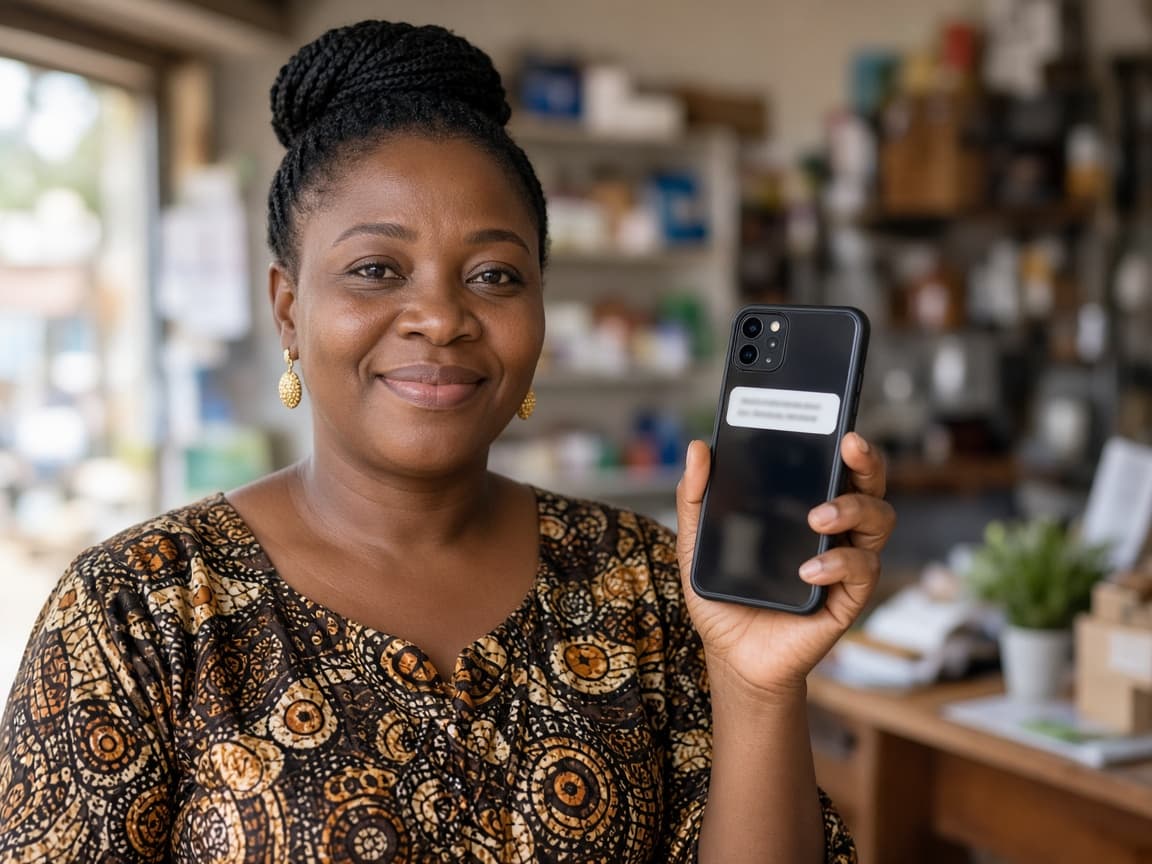
ACMEGH
3–11 characters
LIVE approval
One name, all networks
Login codes go out on their own queue. The code is hashed. A check returns verified, expired, invalid, or max attempts.
See OTP
Code sent
POST /v1/verify/send
Verified
Hashed at rest
Receipts, order updates, and account notices. Pass type transactional. Each message has an id you can open.
Transactional SMS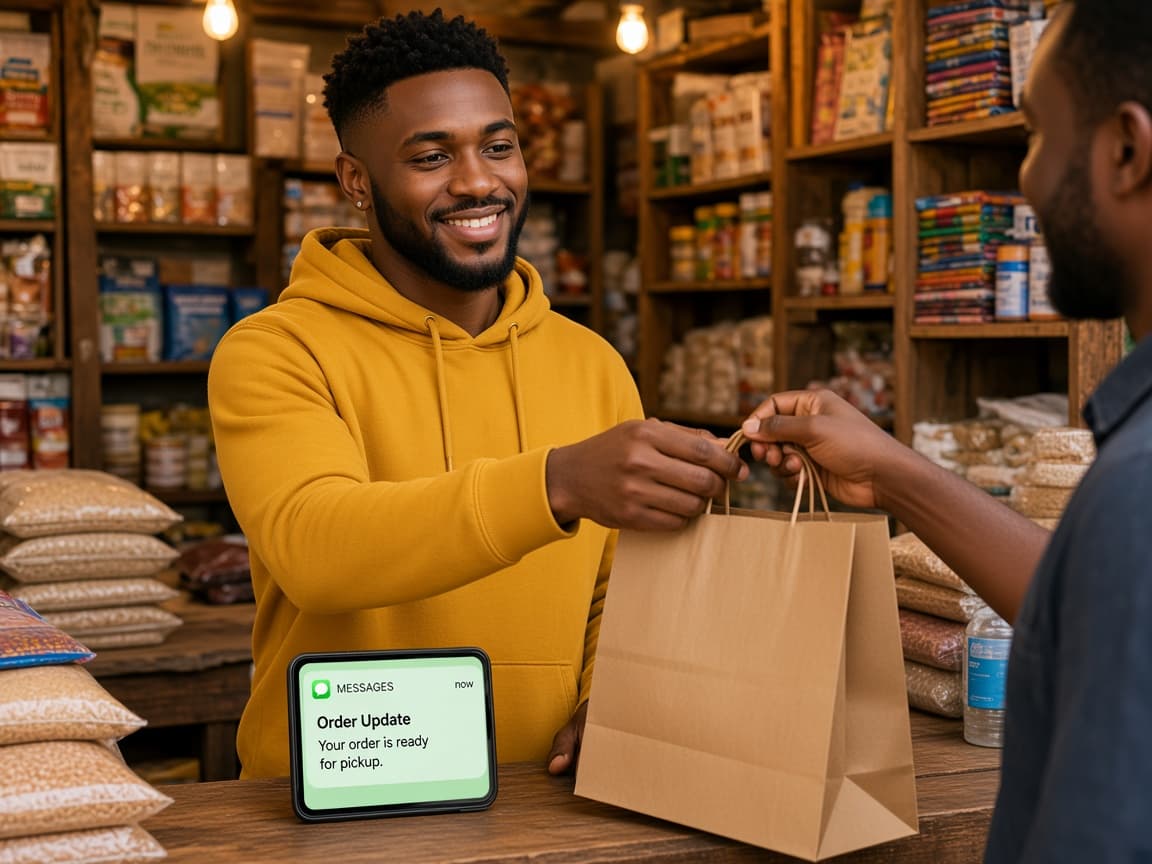
Receipt sent
type: transactional
Accepted
Not the same as delivered
Promos go to people who opted in. The list is snapshotted when the campaign starts. Later edits do not rewrite it.
SMS marketing
Opt-in list
Snapshotted at send
Named sender
Approved for LIVE
Delivery and wallet events arrive signed. Check t= and v1= before you update an order.
Webhook docs
message.delivered
Signed payload
Replay
Same event id
Encoding and segments are counted from the body before a pesewa moves. GSM-7 and Unicode use different limits.
Count a message
GSM-7
160 characters
Unicode
70 characters
Quick start
export API_URL=https://api.taysend.com
export KEY=sms_test_your_key

curl -X POST "$API_URL/v1/messages" \
  -H "Authorization: Bearer $KEY" \
  -H "Idempotency-Key: 11111111-1111-1111-1111-111111111111" \
  -H "Content-Type: application/json" \
  -d '{
    "to": "+233200000001",
    "sender_id": "TAYSEND",
    "message": "Hello from Taysend",
    "type": "transactional"
}'How it works
The same path in the console and the API. Nothing here is live until a sender is approved and the wallet has GHS.
01
Register and open your console. You get a prepaid GHS wallet and TEST keys.
02
Customers see this on the phone. Live send waits until the network approves it.
03
Buy a prepaid bundle, then compose a message or call the API.
04
Accepted is not delivered. Open the message id and read the delivery report.
OTP, bulk, and transactional traffic on one control plane — inspectable from the first send.

Who it is for
A shop, a developer, and an agency all send on the same pipeline. Clients you onboard keep their own wallet.
OTPs, receipts, and order alerts from your own sender name. Each brand has its own wallet.
POST /v1/messages with a Bearer key. The console and the API share the same send path.
Onboard a client from your console. They get their own login, dashboard, and top-up — you do not fund them.
What you send
One pipeline for all three. Ghana first, prepaid GHS. Other countries appear after we provision the route.
Bearer keys. Idempotency-Key. The same send path as the console.
Signed t=,v1= callbacks. At-least-once. Dedupe on event id.
Audiences snapshotted at campaign start. Later edits do not rewrite flight.
Encoding and segments computed from the body before a pesewa moves.
RBAC, hashed OTP, keys shown once, and an audited credit ledger.
Pricing
Prepaid bundles
Bundles credit the wallet. Unicode or long messages use more than one unit. Ask us if you need a written contract.
Full pricing →Explore
One Ghana route for Accra, Tema, and the rest of the country. Each page below answers a different search intent — they do not repeat the same copy.
Sending in Greater Accra? See the Accra and Tema SMS hub.
FAQ
Sender IDs, TEST vs LIVE, who pays for a client, and what delivered actually means.
All FAQs →The name on the phone is a sender ID you request. Ghana networks allow 3–11 characters. LIVE needs network approval. Only senders you request show in your console. Unapproved LIVE senders are rejected.
TEST keys use simulated Ghana numbers so you can prove compose → reserve → inspect. They cannot send to a real handset. LIVE spends wallet balance and needs an approved sender.
They do. Each client has their own prepaid wallet and tops up themselves. Creating a service does not move GHS from your balance.
A later delivery report, not HTTP 200. Accepted or submitted means Taysend took the send. Open the message id for DELIVERED, FAILED, EXPIRED, or REJECTED.
Next
Create a TEST key, send to a simulated number, and inspect the same states your LIVE traffic will use.